
Most small businesses do not need more random marketing ideas. They need one useful idea that can be used in more than one place. A strong blog post should not live on the website by itself. When it is planned correctly, one article can become social posts, email content, short videos, sales follow-up, and local visibility material.
That matters because small businesses are usually working with limited time. The owner, office manager, or marketing helper may not have hours every week to create new content from scratch. Repurposing helps the same message work harder without making the business sound repetitive.
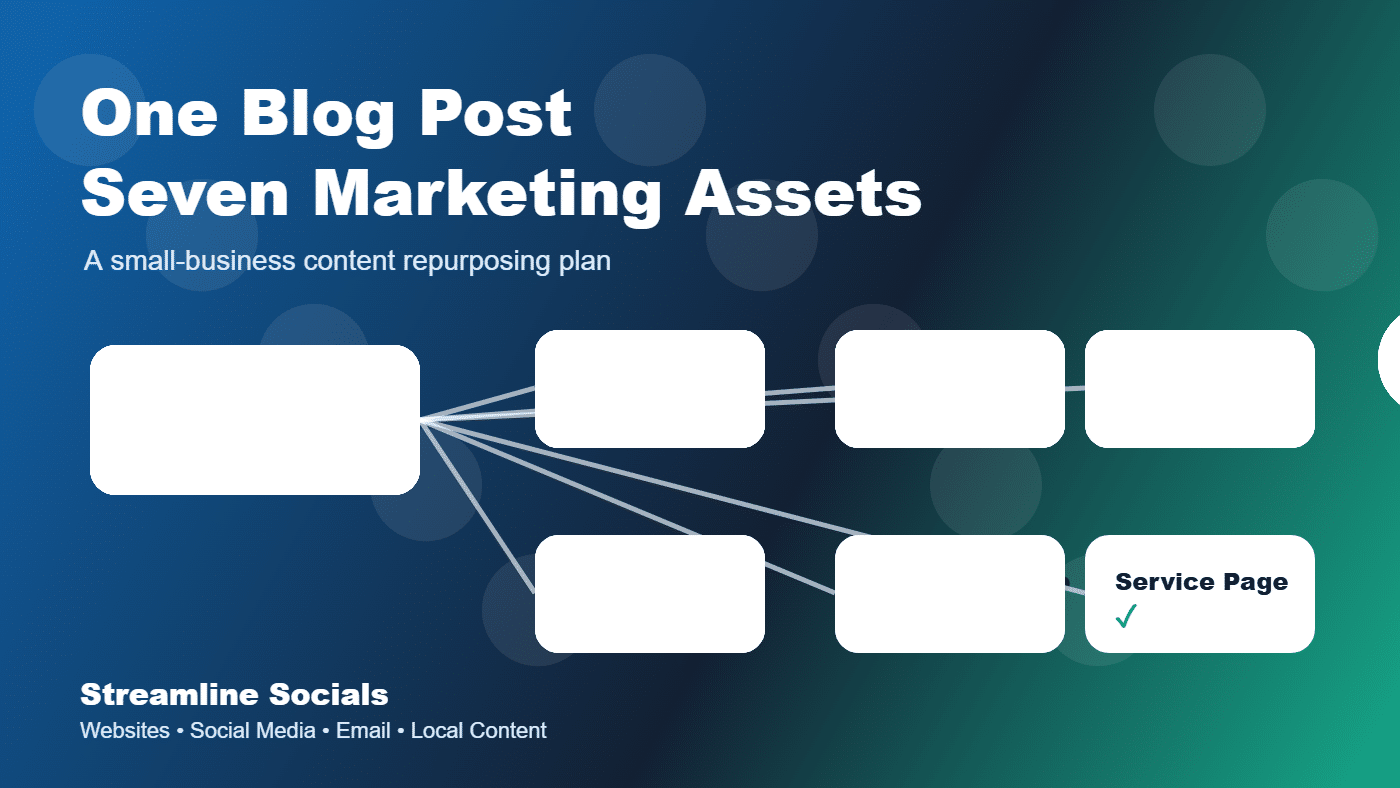
This guide shows how to turn one helpful blog post into seven connected marketing assets that support your website, social media, email list, and customer conversations.
Start with one helpful article
Google’s guidance on helpful, reliable, people-first content is a good starting point: create content for people first, not only for search engines. For a local business, that means answering real customer questions clearly.
A strong repurposing article should usually do one of these things:
- Answer a common buyer question.
- Explain a service in plain language.
- Help customers compare options.
- Show what happens before, during, or after working with you.
- Teach people how to avoid a common mistake.
Examples include “How to prepare for a website redesign,” “What to post on social media when business is slow,” or “How to know when your online presence needs cleanup.”
Asset 1: The blog post itself
The original article is the anchor. It gives your website a useful page that can be found, linked to, and shared over time. The post should have a clear headline, a focused topic, short sections, useful examples, and a call-to-action that matches the reader’s next step.
Google’s SEO Starter Guide explains SEO as helping search engines understand content and helping users decide whether they should visit. That is exactly what a good small-business blog post should do: make the topic easier to understand and make the next step feel obvious.
Asset 2: Three social media posts
One blog post can usually create at least three useful social posts. Do not copy and paste the whole article into each caption. Pull out different angles.
- Problem post: describe the customer pain point the article solves.
- Tip post: share one practical takeaway from the article.
- Proof post: connect the article to a real customer question, review theme, or local example.
For example, a blog post about website cleanup might become one post about outdated homepages, one post about contact forms, and one post about why mobile layout affects customer trust.
Asset 3: A short video or reel outline
Not every business needs polished video production, but short videos can make a helpful idea more visible. Turn the article into a simple 30- to 45-second script:
- Hook: name the problem.
- Point one: give the clearest tip.
- Point two: explain why it matters.
- Close: send viewers to the blog, service page, or contact form.
This keeps video content connected to the website instead of becoming a separate, disconnected effort.
Asset 4: An email or newsletter section
Your email list does not need a completely different topic every time. A blog post can become a short newsletter with a brief intro, three bullet points, and a link back to the full article.
A simple format works well:
- One sentence naming the problem.
- Three bullets with the main takeaways.
- One link to read the full article.
- One call-to-action for people who need help.
This is especially useful for service businesses because it keeps your audience warm between buying decisions.
Asset 5: A Google Business Profile update
For local businesses, the article can also become a short update for your Google Business Profile. Keep it direct: explain the problem, mention the helpful article, and link people back to your website.
This helps your profile look active and gives local customers another reason to click through. It also connects your local visibility with your website instead of treating them as separate marketing channels.
Asset 6: A sales follow-up message
If customers regularly ask the same question, your article can become a follow-up resource. After a call or consultation, send the article with a short note:
“This article explains the issue we talked about today and gives you a checklist for what to look at next.”
That kind of follow-up feels helpful instead of pushy. It also shows that your business has a clear process and understands the customer’s situation.
Asset 7: A service-page improvement
The best repurposing does not stop at social media. A blog post can reveal language that belongs on your service pages. If the article explains a customer problem clearly, use that same clarity on the page where people actually decide whether to contact you.
For example, if an article about social media consistency performs well, your social media services page should clearly explain content planning, caption writing, post design, scheduling, and what the client receives each month.
A simple repurposing workflow
Here is a practical workflow small businesses can repeat:
- Pick one customer question.
- Write one helpful blog post answering it.
- Create three social posts from the key points.
- Record one short video using the article outline.
- Send a short newsletter linking to the article.
- Post a brief Google Business Profile update.
- Use the best language to improve a service page or follow-up message.
That is how one idea becomes a content system. The point is not to flood every channel with the same wording. The point is to make your message consistent wherever customers find you.
Why this works for small businesses
Repurposing works because customers do not all discover you in the same place. Some people read the website. Some skim Facebook. Some click from Google. Some need an email reminder. Some only pay attention after seeing the same message several times in different formats.
When every channel supports the same helpful message, your business looks more organized, more active, and easier to trust.
Streamline Socials helps small businesses turn scattered ideas into connected marketing systems — websites, blog content, social media, and email that work together instead of competing for attention. If your content feels inconsistent, start with one strong article and build from there.